Remove ImageBackground
Remove backgrounds from images instantly using advanced AI technology.
No registration required. Processed entirely in your browser to protect your privacy.
Quick Try
Click example images to test instantly
Why ChooseRemoveBG PicGo
Professional background removal tool with AI technology, completely free and privacy-focused.
AI Powered
Advanced deep learning models for precise edge detection and background removal.
Batch Processing
Process multiple images at once. Upload as many as you need and download them all in a ZIP.
Privacy First
All processing happens locally in your browser. Your images never leave your device.
Completely Free
No registration, no watermarks, no limits. Use it as much as you want.
Lightning Fast
Process images in seconds with optimized AI models and WebAssembly acceleration.
Dual AI Models
U2Net for general use, RMBG for specific scenarios. Switch as needed.
Multiple Formats
Support for JPG, PNG, WebP input. Export as transparent PNG.
Works Offline
Install as an app and use it anywhere, even without internet connection.
RealExamples
Hover to see the background removal animation and witness the powerful AI processing

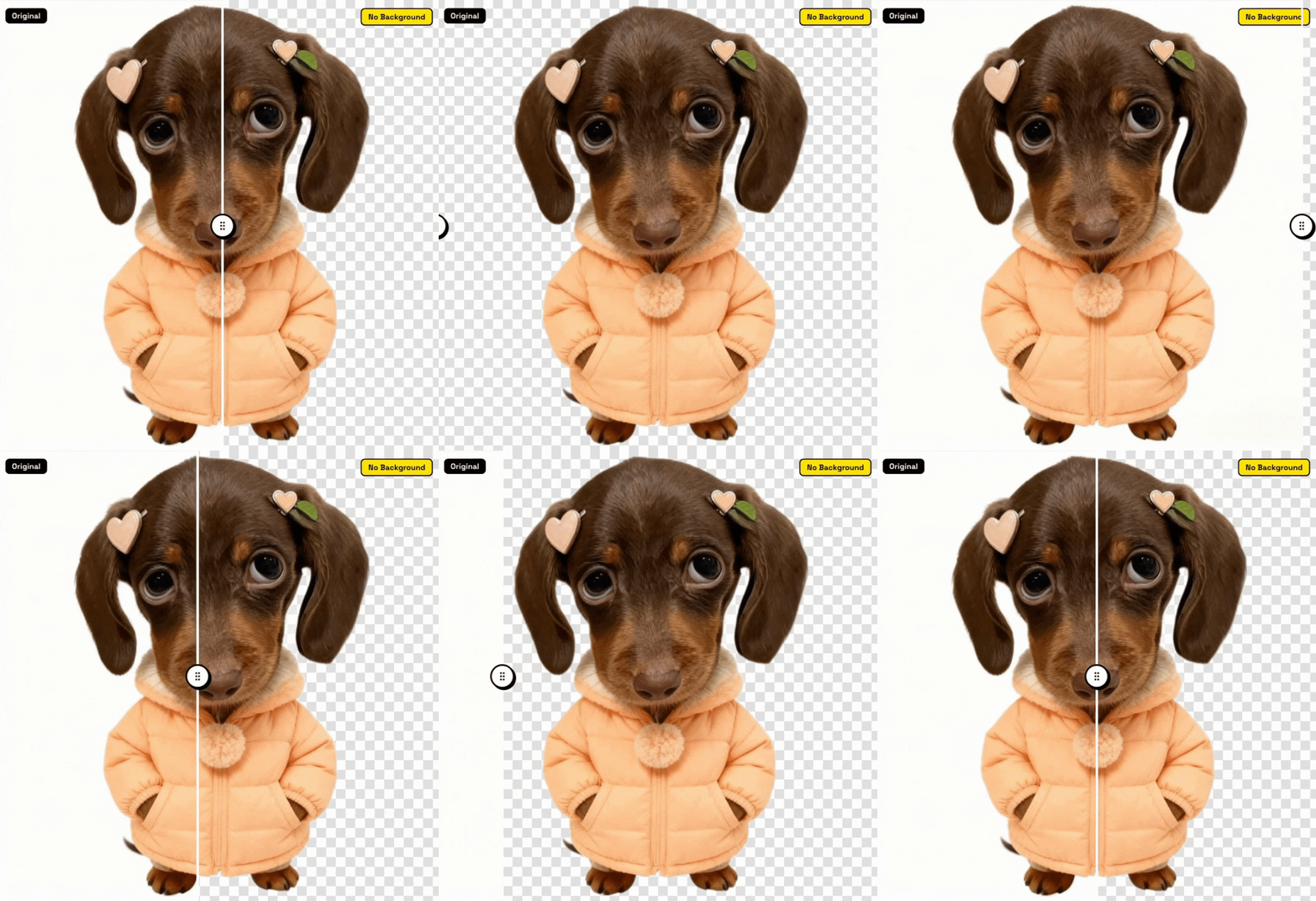

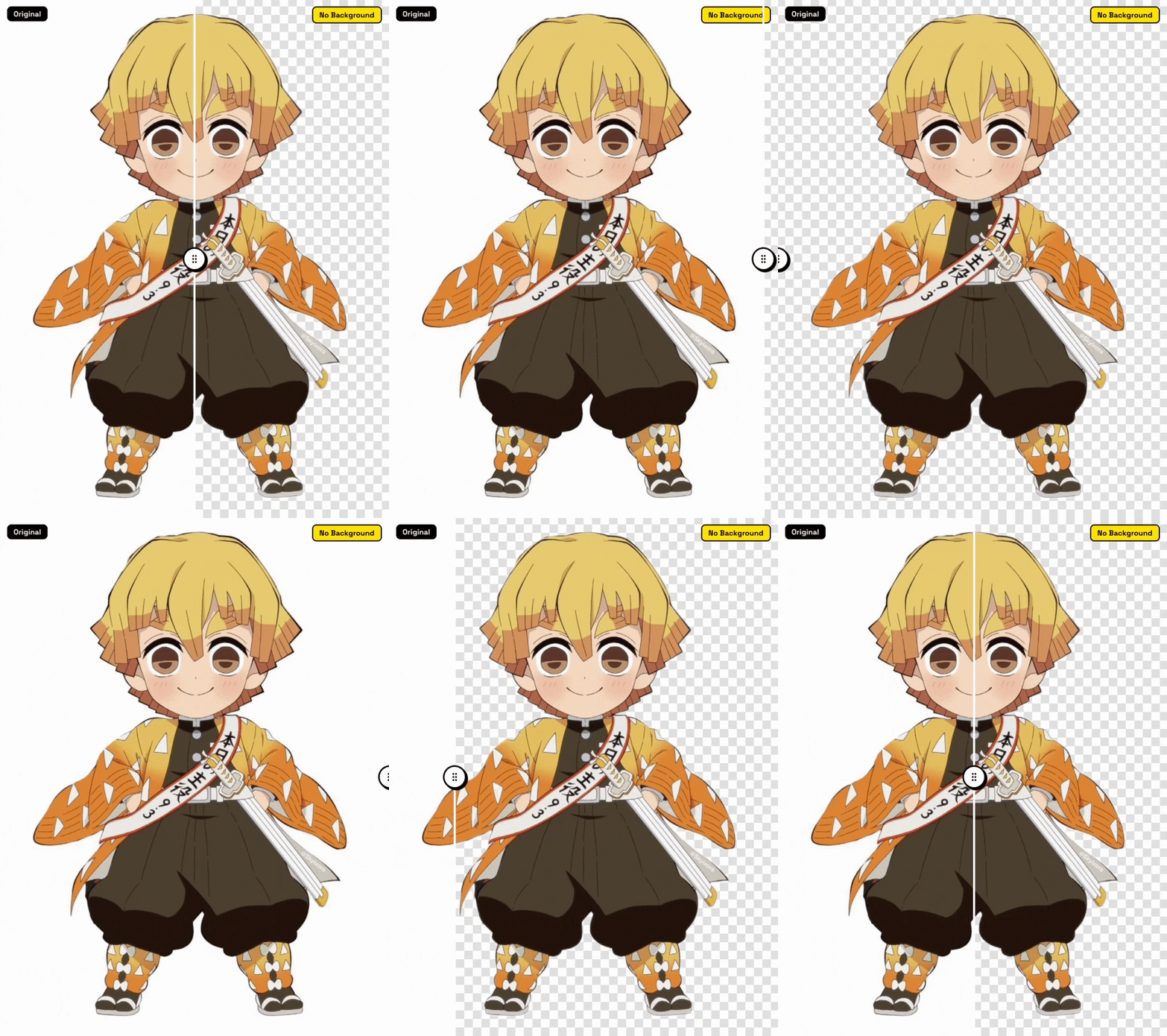

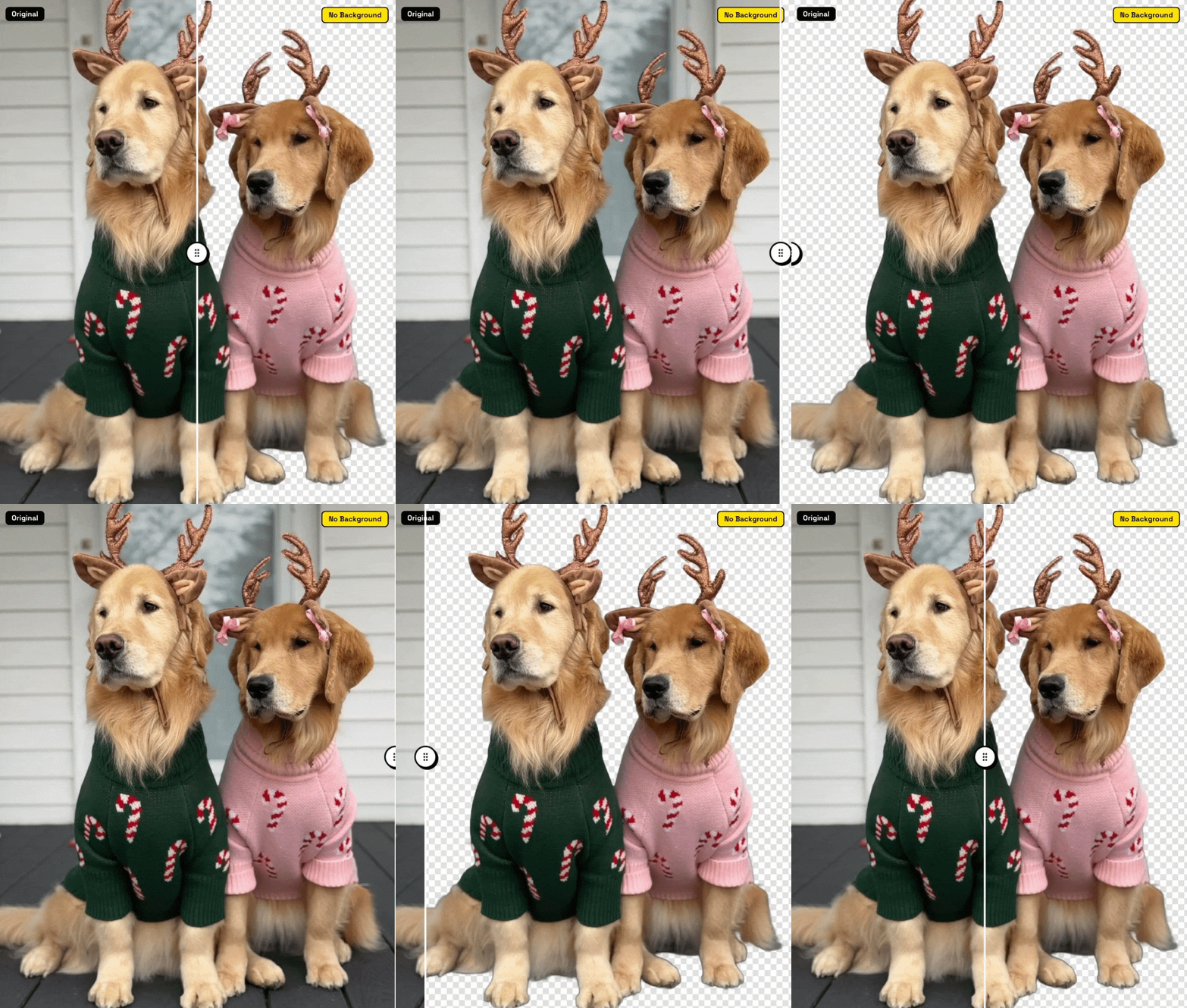

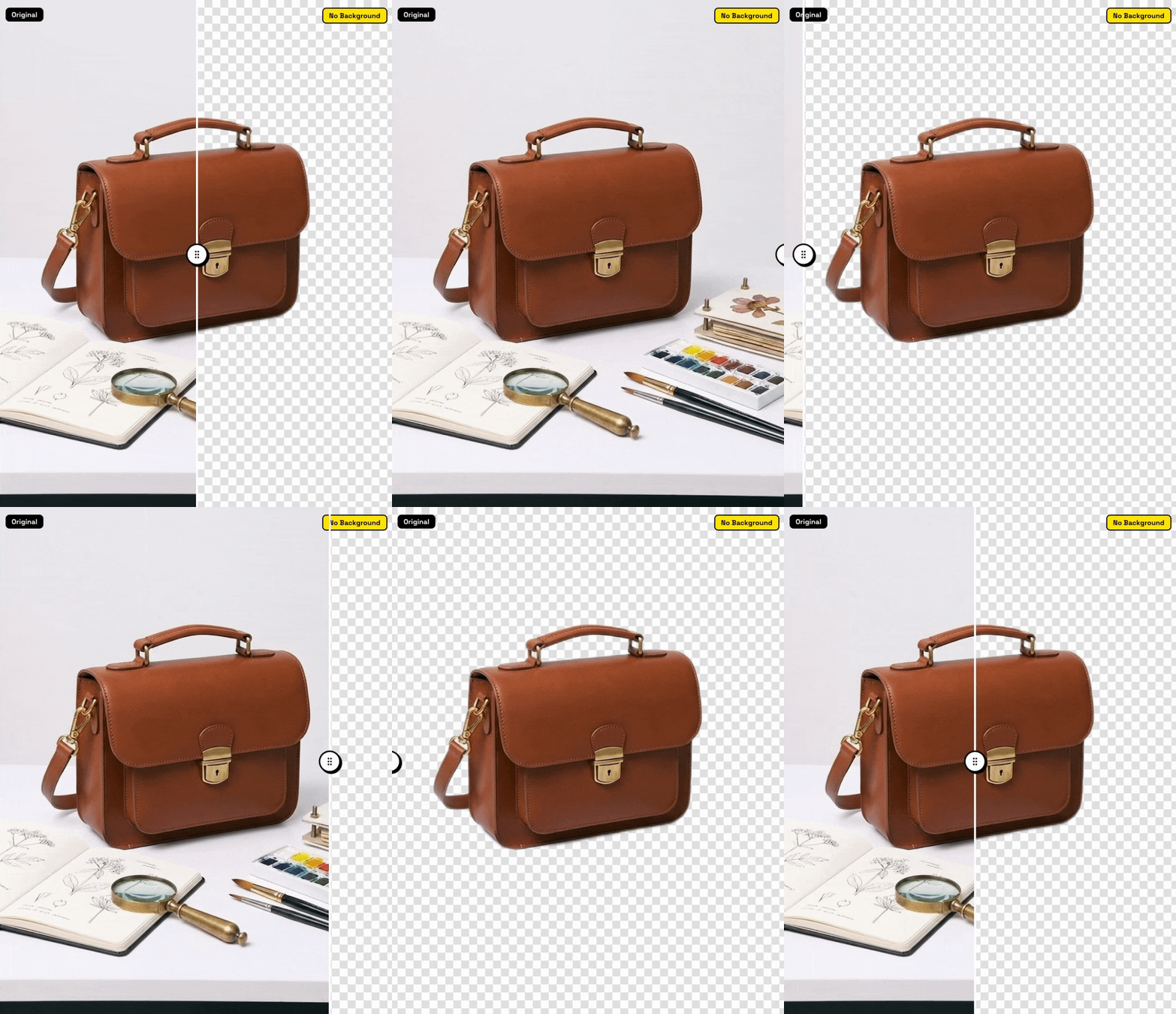
All examples above were processed in real-time by RemoveBG PicGo in the browser
How ItWorks
Remove image backgrounds in just a few simple steps.
Upload Image
Drag and drop or click to select your image file.
Choose Model
U2Net recommended, try RMBG for specific cases.
AI Processing
Our AI automatically detects and removes the background.
Preview Result
Compare before and after with interactive preview.
Download
Save your transparent PNG image with one click.
Frequently AskedQuestions
Find answers to common questions about RemoveBG PicGo.
Have more questions? Open an issue on GitHub Issues